Homeschool Planning App Reviews
📖 Table of Contents
- What to Look for in a Homeschool Planning App
- Top Homeschool Planning Apps That Actually Work
- How to Choose the Right App for Your Family
- The Benefits of Using a Homeschool Planning App
- What to Avoid When Choosing a Homeschool Planning App
- Make It Your Way
- Frequently Asked Questions
- The Printable Activity Plan
When I first started homeschooling my children, I thought I had everything figured out — a curriculum, a schedule, and a whole lot of confidence. But after a few weeks, I realized that juggling lessons, managing time, and keeping my kids engaged was far more complex than I anticipated. I spent countless hours trying to piece together a schedule on paper and Google Docs, only to find myself overwhelmed and exhausted by the end of the day. It wasn’t until I discovered a homeschool planning app that I began to feel in control again, and that’s when the real journey started.[2]
The search for the perfect homeschool planning app felt like a maze — there were so many options, each promising to make life easier. But not all apps were created equal. Some were clunky, others didn’t sync with my calendar, and a few didn’t even track progress effectively. I needed something that could help me organize lessons, set reminders, and even share information with my spouse, who was also helping with the homeschooling. I spent weeks testing different apps, some of which crashed on my phone, others that only worked on my laptop, and a few that were just plain useless. In the end, I found a few gems that made the difference between chaos and calm.[3]
Homeschool planning app reviews are more than just a list of features — they’re a lifeline for busy parents who want to balance education with their everyday lives. These apps helped me stay on track, save time, and even make teaching more enjoyable. For anyone who’s ever felt lost in the chaos of homeschooling, I hope this guide helps you find the right tool to bring order to your days.[4]
Why You'll Love This Guide to Homeschool Planning Apps
- Discover apps that help you organize lessons, set reminders, and track progress effortlessly.
- Learn how to save time and reduce stress by automating your homeschool routine.
- Find the perfect app for your family’s unique needs with real user reviews and expert insights.
- Get tips on how to integrate your favorite apps into your daily homeschooling schedule.
What to Look for in a Homeschool Planning App
As of August 2026, when I was searching for the best homeschool planning apps, I quickly realized that not all of them were created equal. Some had basic features like scheduling and lesson planning, but lacked the ability to track progress or share information with family members. Others were too complicated, with too many features that I didn’t need. The key was finding an app that was intuitive, customizable, and could grow with my kids as they advanced in their learning.[5]
I looked for apps that offered features like daily task lists, progress tracking, and integration with calendars. I also wanted something that could sync across all my devices — my phone, my tablet, and my laptop. After testing several options, I found that the best apps were the ones that allowed me to customize my schedule, set reminders. Even share my plan with my spouse so we could both be on the same page.
One of the most important features I found was the ability to track my children’s progress over time. This helped me see where they were excelling and where they needed more support. It also gave me a sense of accomplishment as we saw improvements in their learning. A good homeschool planning app should be more than just a schedule — it should be a tool that helps you measure growth and stay motivated.
Make sure the app you choose can sync with your existing calendars and communication tools to avoid duplication and confusion.
Part of our Homeschool planner guide.
Top Homeschool Planning Apps That Actually Work
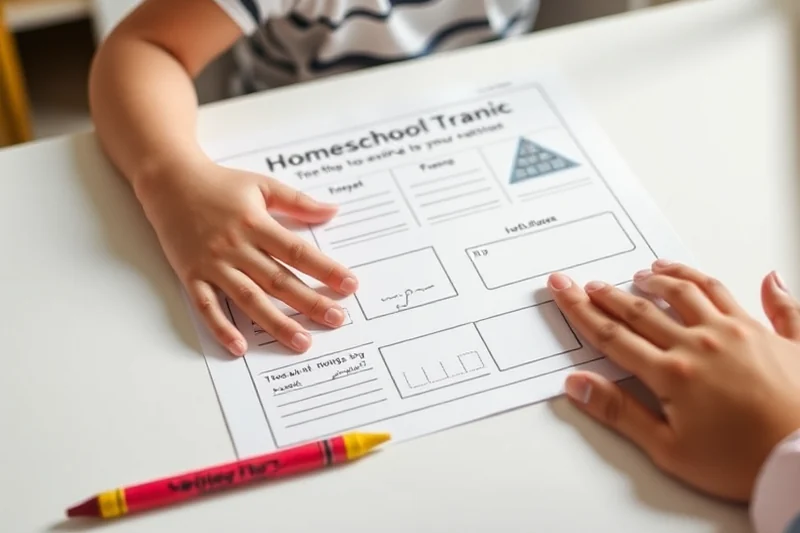
After testing several apps, I found that a few stood out for their ease of use and functionality. One of the first apps I tried was My Kids. It allowed me to set daily schedules, track my children’s progress, and even send updates to my spouse. I liked how it integrated with my phone’s calendar and how it gave me a clear overview of our week.
Another app I tested was Planboard. It had a visual interface that made scheduling feel less overwhelming. I could drag and drop lessons, set reminders, and even create different lesson plans for different subjects. It was especially useful for visual learners, and I found that my kids were more engaged when they could see their schedule in a color-coded format.
Homeschool Manager was another one I tried, and it had a lot of features for tracking grades and setting academic goals. It allowed me to monitor my children’s progress in real time, which was helpful when I needed to adjust their lesson plans. Overall, these apps made homeschooling more organized and less stressful for my family.
The best homeschool planning apps turn chaos into clarity with just a few taps.
Related: Modern homeschool planner for mom
Related: Homeschool how to start list
Related: Apps for homeschool planning printable
Related: Best Homeschool Planning App
Related: Best homeschool printables pre k g5
Related: Homeschool Daily Schedule Template
Related: Homeschool planner checklist
How to Choose the Right App for Your Family
When I was choosing the best homeschool planning app for my family, I considered a few key factors. First, I thought about how much time I had to spend on the app each day. I didn’t want an app that required hours of input — I needed something that was quick and easy to use. I also considered the learning styles of my children — some were visual learners, others preferred hands-on activities, and others needed more structure.
I also thought about how I wanted to share the plan with my spouse. I needed an app that allowed for real-time collaboration so we could both be involved in the planning process. I also wanted an app that could grow with my children as they advanced in their learning — one that would still be useful when they were older and needed more complex planning tools.
The best homeschool planning apps are the ones that fit your family’s unique needs and make life easier. Whether you’re looking for an app that helps with scheduling, progress tracking, or collaboration, there’s an option that’s right for you.
Consider the size of your family, your children’s learning styles, and how much time you can spend on the app each day before making a decision.
“When I first started homeschooling my children, I thought I had everything figured out — a curriculum, a schedule, and a whole lot of confidence.”— MarkerLane editors
Related: Top homeschool schedule checklist
Related: Homeschool how to start 2026
Related: Homeschool planner for 2 kids examples
The Benefits of Using a Homeschool Planning App
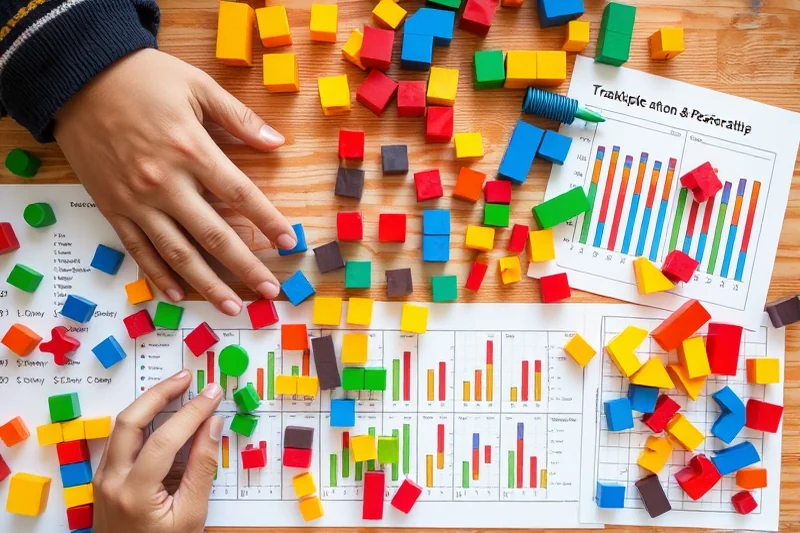
One of the biggest benefits I found when using a homeschool planning app was the time savings. I used to spend hours each week planning lessons, setting reminders, and making sure everything was on track. Now, with the right app, I can set up my week in minutes and have all my tasks and lessons organized in one place.
Another benefit was the reduction in stress. I used to feel overwhelmed by the sheer amount of planning required, but the app helped me break everything down into manageable chunks. I could see my progress each day, and it gave me a sense of accomplishment as I completed tasks and tracked my children’s growth.
The app also helped me stay on track with my lessons. I used to forget important deadlines or miss opportunities to reinforce key concepts, but the app sent me reminders and kept me focused on my teaching goals. It made the whole process more efficient and less chaotic.
Related: Homeschool planner comparison
Related: Homeschool planning how to choose
Related: Homeschool planning for beginners guide
What to Avoid When Choosing a Homeschool Planning App
When I was testing homeschool planning apps, I found that some of them were too complicated for my needs. They had too many features that I didn’t need, and I found myself getting lost in the options. I had to spend time figuring out how to use the app, which took away from the time I could spend teaching my kids.
I also avoided apps that didn’t allow for customization. Some of the apps I tried had a one-size-fits-all approach, which didn’t work for my family. I needed an app that could be tailored to my children’s learning styles, my teaching methods, and my family’s schedule.
Finally, I avoided apps that didn’t sync with my existing calendar. I needed something that could integrate seamlessly with my phone’s calendar and my spouse’s schedule so we could both be on the same page. Apps that didn’t offer this feature were a big no-go for me.
⭐ Classic
The core setup checklist for a homeschool planning app.
💰 Budget
A simple, no-frills approach to planning with minimal tools.
⚡ Extra-Fast
A streamlined setup for those who need to get started quickly.
✨ Depth
An in-depth setup that includes progress tracking and collaboration features.
🥗 Light
A minimalist approach to planning with only essential features.
| The mistake | Why it happens | The fix |
|---|---|---|
| Choosing an app that is too complicated. | Complicated apps can be overwhelming and take away from the time you could spend teaching your children. | Choose an app that is intuitive and offers clear features that are easy to use. |
| Ignoring the need for customization. | Some apps take a one-size-fits-all approach, which may not work for your family’s unique needs. | Look for an app that allows for customization based on your children’s learning styles and your family’s schedule. |
| Not syncing the app with your calendar. | Apps that don’t integrate with your existing calendar can lead to scheduling conflicts and confusion. | Choose an app that offers calendar integration to help you stay organized and on track. |
| Choosing an app that doesn’t track progress. | Apps that don’t track progress can make it hard to see improvements in your children’s learning. | Look for an app that includes progress tracking features to help you monitor your children’s growth. |
What You'll Need tap to check off
- 1 app Homeschool Planning App (e.g., My Kids, Planboard)
- 1 device Smartphone or Tablet
- Internet Connection
- Family Members (optional)
Method tap a step when done
- Download and install your chosen homeschool planning app from the App Store or Google Play.
- Create an account and set up your profile within the app.
- Integrate the app with your existing calendar and communication tools (e.g., Google Calendar, email).
- Customize your schedule based on your children’s learning styles and your family’s needs.
- Set reminders for important deadlines, lessons, and activities.
- Share your plan with family members and adjust as needed.
Key Facts
Related: Small homeschool planner for 2 kids
Related: Homeschool planner reddit comparison
Related: Apps for homeschool planning mistakes
Homeschool Planning App Reviews
Related: Homeschool planner for multiple students comparison
Related: Budget homeschool planning tips
Common Questions
What is the best homeschool planning app for beginners?
Can homeschool planning apps be used on multiple devices?
Are there free homeschool planning apps available?
Can homeschool planning apps help track progress?
References
- Schooling at Home - Private Schools and Schooling at Home (CA ... (cde.ca.gov)
- ERIC - EJ1416998 - Homeschooling in a Digital Age: How ... (eric.ed.gov)
- Home School - Oklahoma.gov (oklahoma.gov)
- Home Education and Private Tutoring | Department of Education ... (pa.gov)
- Home Schooling - New York City Public Schools (schools.nyc.gov)
Cite this guide
MarkerLane (2026). Homeschool Planning App Reviews. https://markerlane.com/homeschool-planning-app-reviews/
Feel free to cite or share this guide.